Nucleus One vs Asana

When the work is really about documents.

Asana keeps track of the work. Nucleus One is built around the documents behind it: contracts, forms and files that need finding, approving and signing.

Start free. No card needed. Get pricing

  1. SubmittedVendor contract.pdf
  2. Finance approvedSigned by J. Ortiz
  3. Legal reviewWaiting on you
  4. E-signatureSent when approved

The problem

The task is done. The document is still missing.

Project tools track who is doing what. The paperwork often lives somewhere else.

  • Files scattered

    The signed copy is in an inbox, the draft in a drive, the scan on someone’s desktop.

  • Approvals by email

    The task says waiting on approval, and the approval happens in a reply-all.

  • Clients outside the loop

    Customers send documents as attachments that never reach the project.

Side by side

Nucleus One and Asana, honestly.

Both are good tools. They are built around different things.

Built around
Asana: Tasks, projects and team goals
Nucleus One: Documents and the work that happens on them
Best when
Asana: You mainly need to plan projects and track who is doing what
Nucleus One: Your work runs on contracts, forms, invoices and files that need approving and signing
Documents
Asana: Files attached to tasks and items
Nucleus One: A searchable document home with versions and permissions
Approvals and signatures
Asana: Depends on your plan and add-ons
Nucleus One: Workflows, forms and e-signatures built in
Outside people
Asana: Guests in your workspace
Nucleus One: Client portals to upload, fill out and sign
Paper
Asana: Upload scans yourself
Nucleus One: CapturePoint 6 scans, reads and names pages straight into Nucleus One
How you buy it
Asana: See their site for plans
Nucleus One: Priced per user, with every feature on every plan
Get pricing

Nucleus One

Documents, tasks and approvals in one place.

Every document searchable, versioned and permissioned, with tasks, workflows, forms and e-signatures attached. Client portals bring customers in, and Zapier connects the rest, including your project tool.
  • Workflows, forms and e-signatures
  • Client portals and mobile apps
  • Runs on Google Cloud
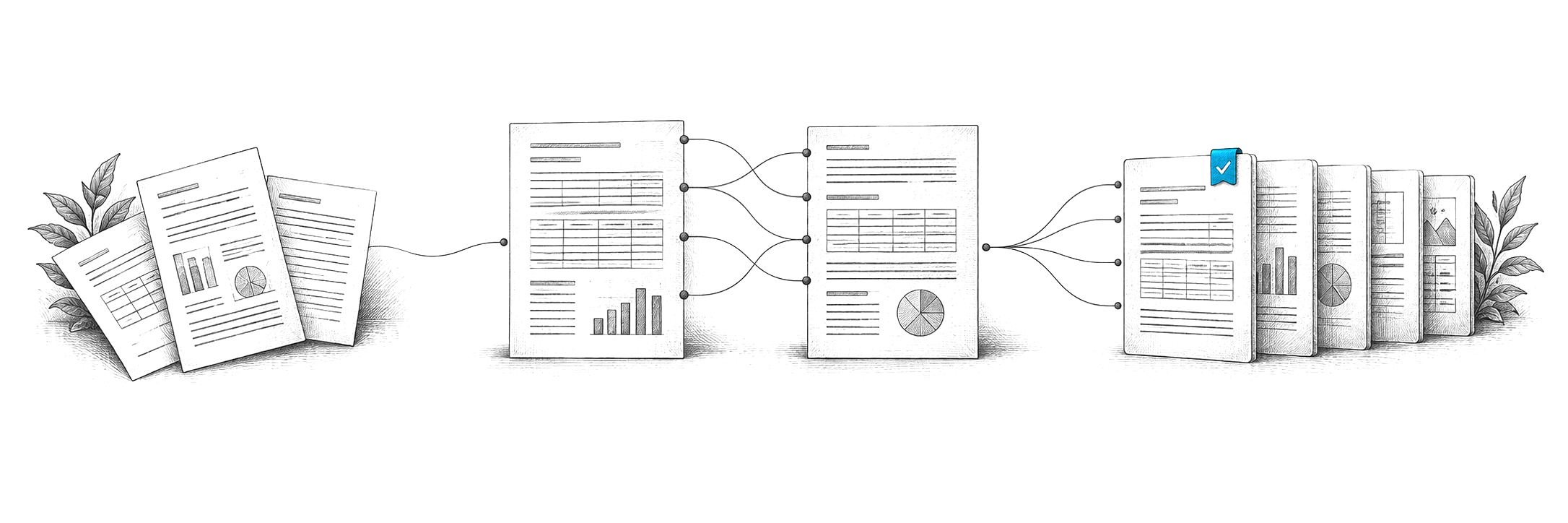
Engraved illustration: loose documents becoming organized records

CapturePoint 6

Paper goes straight in.

CapturePoint 6 splits, sorts, reads and names every scanned page with cutting-edge AI on your own PC and sends it to Nucleus One, SharePoint, OneDrive, Google Drive, Dropbox or Box.

  • Document AI that runs on your own PC
  • Sends straight to Nucleus One
  • Unlimited scanning, no per-page fees

Keep comparing.

Compare

Nucleus One vs monday.com

Boards for work, or a home for documents, approvals and signatures.

Teams

Nucleus One for teams

Documents, tasks and approvals in one place.

All comparisons

Every comparison

Ademero side by side with the tools you are weighing.

Questions

Can we use Nucleus One alongside Asana?

Yes. Teams can keep Asana for task tracking and use Nucleus One for documents, approvals and signatures, connected through Zapier or the REST API.

What does Nucleus One cost?

Nucleus One is priced per user, with every feature on every plan. Tell us about your setup on the pricing page and we will send pricing that fits, or book a free live demo and we will walk you through it.

Where does our data live?

Nucleus One runs on Google Cloud, whose infrastructure is SOC 2 and ISO 27001 certified.

Trusted by 1,000+ organizations since 2002.

Fortune 500 companies and government agencies run on Ademero. Their security, IT and legal teams review us every year and keep renewing.

  • Documents, tasks and approvals together
  • Apps for iOS and Android
  • E-signatures and client portals
  • Runs on Google Cloud

Free live demo

Bring the documents your projects run on. We will show them in Nucleus One.

Book a free demo and we will show you around, answer your questions and run your real paperwork through it. No cost, no pressure.

  • A live tour of the products that fit your work
  • Your own documents, set up and shown working
  • Your workflow and process, mapped with you
  • Straight answers from people who build it
Engraved illustration: file boxes, a document scanner and a PC at a desk