Invoices
Invoice processing
Invoices in. Clean data out.
AP automation
Invoices read the moment they arrive, routed to the right approver, posted to your accounting system and filed by vendor and PO. Your team handles the exceptions.
The problem
Open, stamp, key in, walk to an approver, chase the approver, key in again, file. Multiply by every invoice.
Invoice details typed into a spreadsheet, then again into the accounting system.
Invoices wait on a desk or in an inbox until the vendor calls about a late payment.
Finding an invoice with its PO and approval for the auditor means a trip to the file room.
Paper from the mail and PDFs by email, each handled a different way by different people.
CapturePoint 6
CapturePoint 6 splits a stack of invoices, reads vendor, number, dates and totals with cutting-edge AI on your own PC, and names each file before it is exported.
Sends it where you work
Every finished document goes out as a searchable PDF with its data, named and filed. Send it to your own folders, Content Central or Nucleus One, or straight into SharePoint, OneDrive, Google Drive, Dropbox and Box.
 SharePoint
 OneDrive
 Google Drive
 Dropbox
 Box
Box

And many more systems through Cortexa Connect. Tell us where your documents need to go.
Paige
Send invoice files to Paige and get clean data back: header fields and every line item. It learns your vendors from a few samples and delivers by download, SFTP or webhook.
Content Central
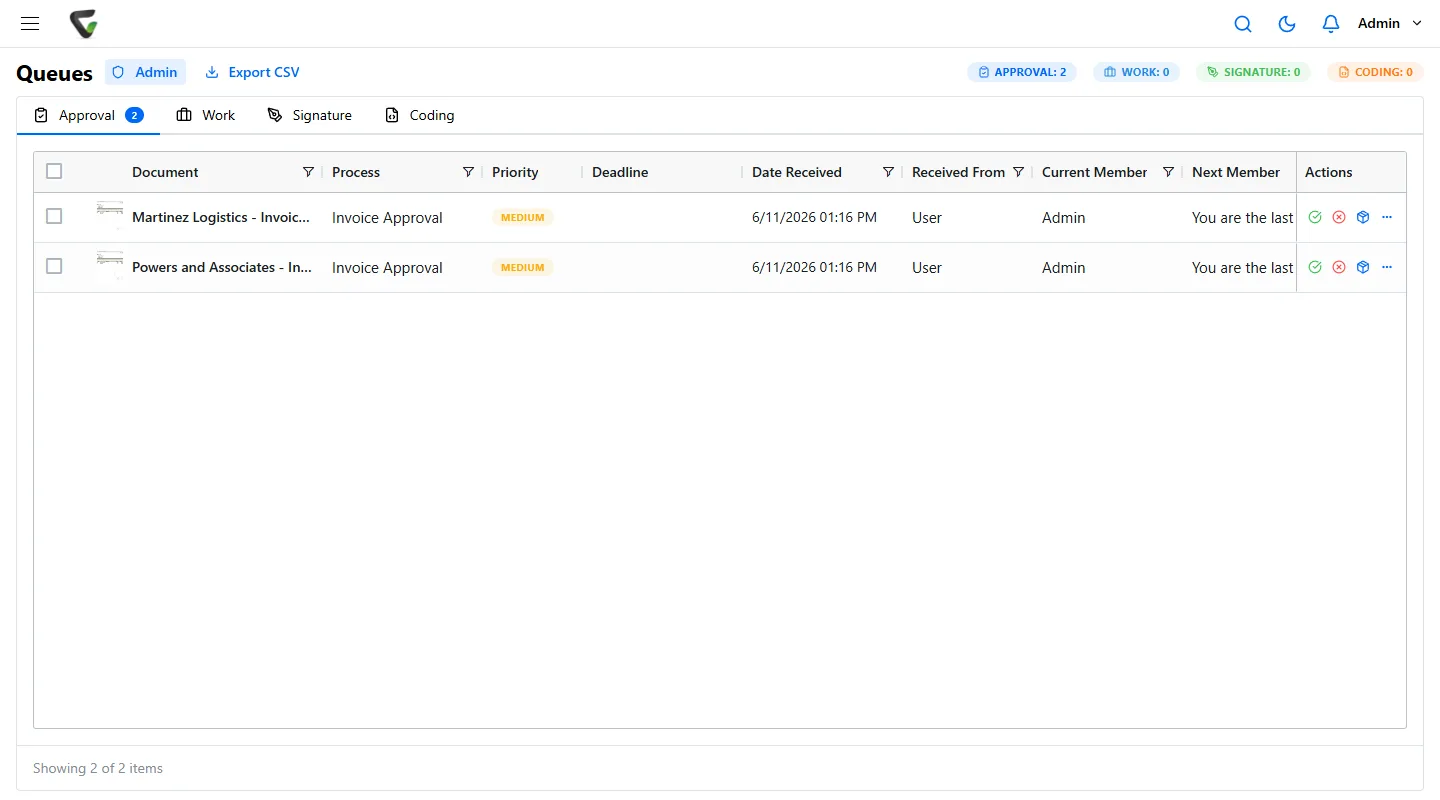
Your workflow rules send each invoice to the right approver, where it waits in their work queue. Approved data goes to QuickBooks, Sage 50, Sage X3, Epicor or Dynamics, and the invoice is filed by vendor and PO.
End to end
Paper goes through CapturePoint 6. Emailed PDFs are captured from the AP mailbox or sent to Paige.
Vendor, invoice number, PO, dates, totals and line items pulled out for you.
Each invoice routes to the right approver and waits in their queue, not their inbox.
Data goes to your accounting system and the invoice is filed by vendor and PO.
Content Central integrates with QuickBooks Online and Desktop, Sage 50, Sage X3, Epicor and Microsoft Dynamics, and has a REST API for other systems.
Both are covered. CapturePoint 6 reads paper invoices as they are scanned. Emailed invoices can be captured from your AP mailbox into Content Central or sent to Paige for fields and line items.
CapturePoint 6 starts a free trial the first time you open it, with no form. You can start Paige free in your browser. Or book a free live demo with your own invoices.
Fortune 500 companies and government agencies run on Ademero. Their security, IT and legal teams review us every year and keep renewing.
Free live demo
Book a free demo and we will show you around, answer your questions and run your real paperwork through it. No cost, no pressure.
