Approvals
Approval workflows
Multi-step approvals with sign-off built in.
Document workflows
Capture it, read it, route it and file it by rule instead of by memory. Your team stops sorting paper and starts working on what it says.
The problem
When filing depends on who picked the document up, things get lost, misnamed and skipped.
Someone reads each page, decides what it is and drags it into a folder by hand.
Scan_0042.pdf, Invoice final.pdf and a dozen other names for the same kind of document.
A review gets missed because the person who usually does it was out that day.
CapturePoint 6
CapturePoint 6 learns your document types from a few samples, then splits each stack, names every document and sends it on, with cutting-edge AI running on your own PC.
Sends it where you work
Every finished document goes out as a searchable PDF with its data, named and filed. Send it to your own folders, Content Central or Nucleus One, or straight into SharePoint, OneDrive, Google Drive, Dropbox and Box.
 SharePoint
 OneDrive
 Google Drive
 Dropbox
 Box
Box

And many more systems through Cortexa Connect. Tell us where your documents need to go.
Paige
Send PDFs and images to Paige and get clean data back: fields and line items, ready for the next step. Delivery by download, SFTP or webhook.
Content Central
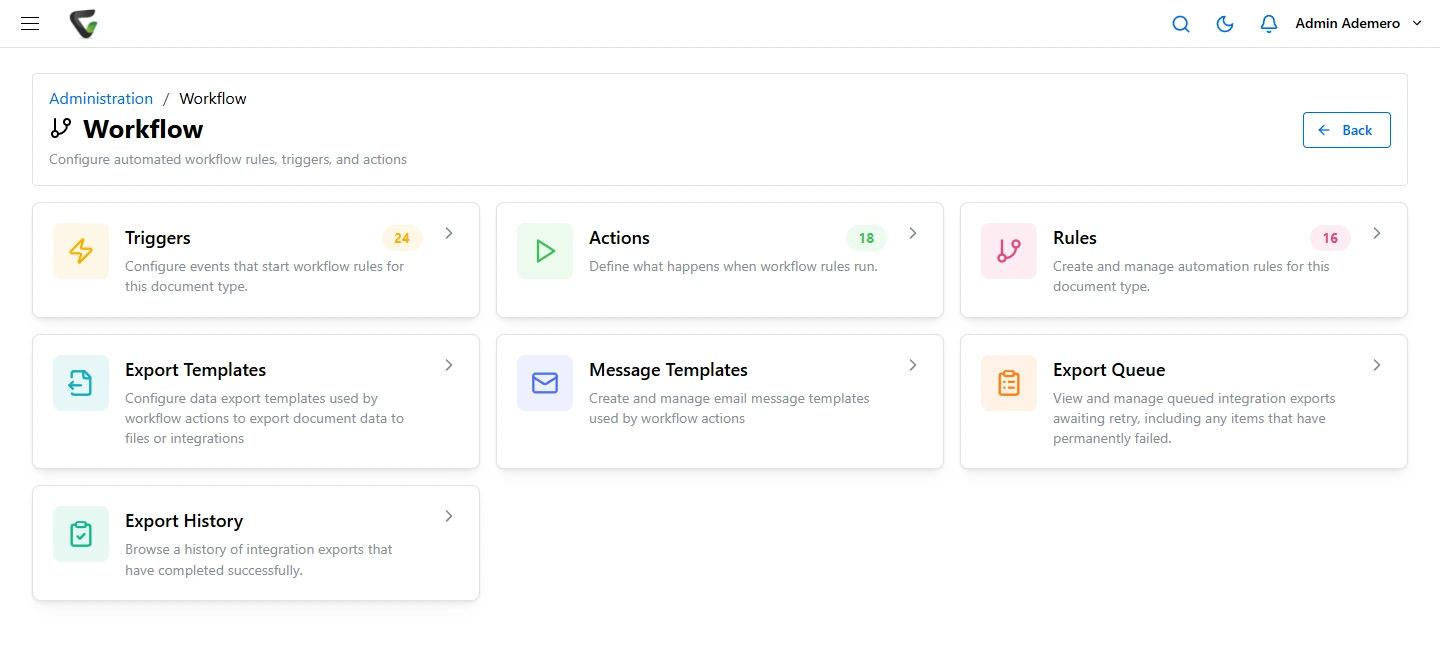
Triggers and actions move each document through review and approval, then file it with the right permissions and retention. Capture from scanners, email and watched folders.
One path for every document
Scanned with CapturePoint 6, captured from email or watched folders, or uploaded.
Document type and key fields recognized, so the right workflow picks it up.
Rules send it for review or approval and act on the answer.
Saved to the right folder with its permissions and retention, and searchable by every word.
To SharePoint, OneDrive, Google Drive, Dropbox, Box, folders, Content Central and Nucleus One, and more through Cortexa Connect.
No. Document types are learned from samples in CapturePoint 6, and workflow rules are set up in Content Central without code. Our team and partners can set up your first ones with you.
CapturePoint 6 starts a free trial the first time you open it, with no form. You can start Paige free in your browser, or book a free live demo.
Fortune 500 companies and government agencies run on Ademero. Their security, IT and legal teams review us every year and keep renewing.
Free live demo
Book a free demo and we will show you around, answer your questions and run your real paperwork through it. No cost, no pressure.
