HR
For HR teams
Employee files, onboarding and access control in one place.
HR document scanning
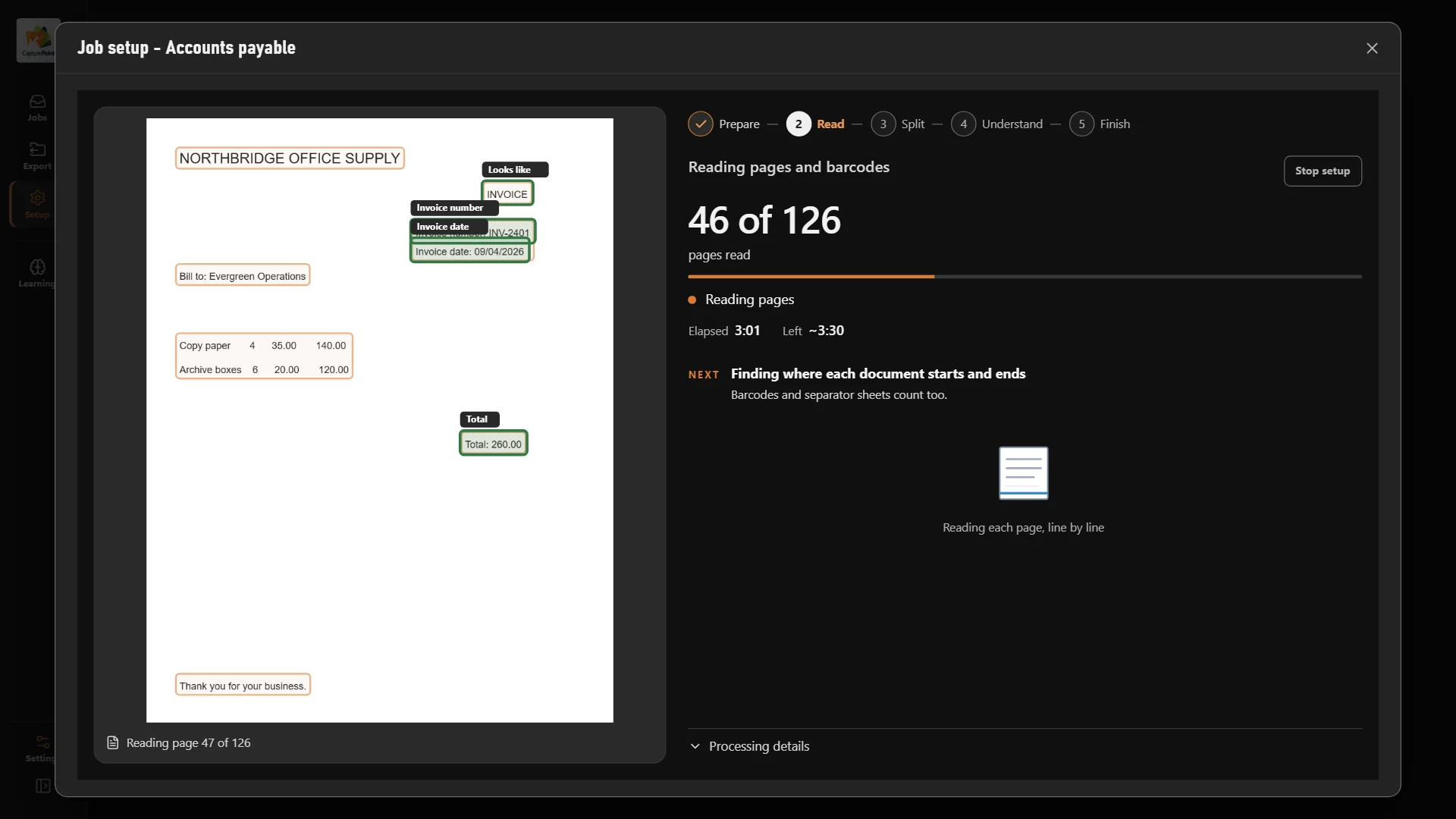
CapturePoint 6 splits each stack into documents, works out what each one is, reads the employee name and names every file. Its AI runs on your own PC, so employee records stay in the building.
Free trial starts the first time you open it. No form.
The problem
Personnel files hold pay, health and disciplinary details, and they usually live in a cabinet anyone can open.
Years of applications, I-9s, reviews and benefits forms in drawers and boxes.
Someone has to separate, label and file every page of every employee file.
An auditor or a claim needs one document and HR loses an afternoon finding it.
CapturePoint 6
Confirm a few documents and CapturePoint 6 handles the next ones on its own. Anything it is unsure of waits for a quick look, with the reason shown. No templates and no zones to draw.
Sends it where you work
Every finished document goes out as a searchable PDF with its data, named and filed. Send it to your own folders, Content Central or Nucleus One, or straight into SharePoint, OneDrive, Google Drive, Dropbox and Box.
 SharePoint
 OneDrive
 Google Drive
 Dropbox
 Box
Box

And many more systems through Cortexa Connect. Tell us where your documents need to go.
Content Central
Send scanned files into Content Central and set who can view, search, download, edit or share each type of document. Require a reason to open sensitive files, and keep every view on record.
Start today
Priced per scanning station, with unlimited scanning, so the back files and the daily paper cost the same to scan.
Install CapturePoint 6 on the Windows PC next to your scanner. The free trial starts right away, with no form.
Or point it at a folder of your own employee documents and it works out the types and fields by itself.
Each application, I-9, review and form comes out as its own document, named by employee and type.
Export to SharePoint, OneDrive, Google Drive, Dropbox, Box, folders, Content Central or Nucleus One.
No. CapturePoint 6 processes every page on your own PC. Your documents are not sent to a cloud service to be read.
Applications, offer letters, I-9s, W-4s, benefits forms, reviews, certifications, leave paperwork and exit documents. It comes with a sample job for HR documents, and it learns your own document types from a folder of samples.
No. CapturePoint 6 works out your document types, fields and tables by itself. You can still adjust anything.
Existing CapturePoint customers with active maintenance and support get CapturePoint 6 included. CapturePoint 6 is priced per scanning station, with unlimited scanning. Tell us about your setup on the pricing page and we will send pricing that fits, or book a free live demo and we will walk you through it.
Fortune 500 companies and government agencies run on Ademero. Their security, IT and legal teams review us every year and keep renewing.
Free live demo
Book a free demo and we will show you around, answer your questions and run your real paperwork through it. No cost, no pressure.
