Onboarding
HR onboarding
Offer to first day, without the paper chase.
HR document management
Offer letters, I-9s, reviews and benefits forms filed by employee, open only to the people who should see them, kept exactly as long as required.
The problem
HR handles the most sensitive paper in the company, and most of it is still in folders and inboxes.
One employee’s paperwork is split between a cabinet, a shared drive and three inboxes.
Salary, medical and disciplinary records sit where far more people can reach them than should.
Former employees’ files are kept forever, or shredded before the law allows.
CapturePoint 6
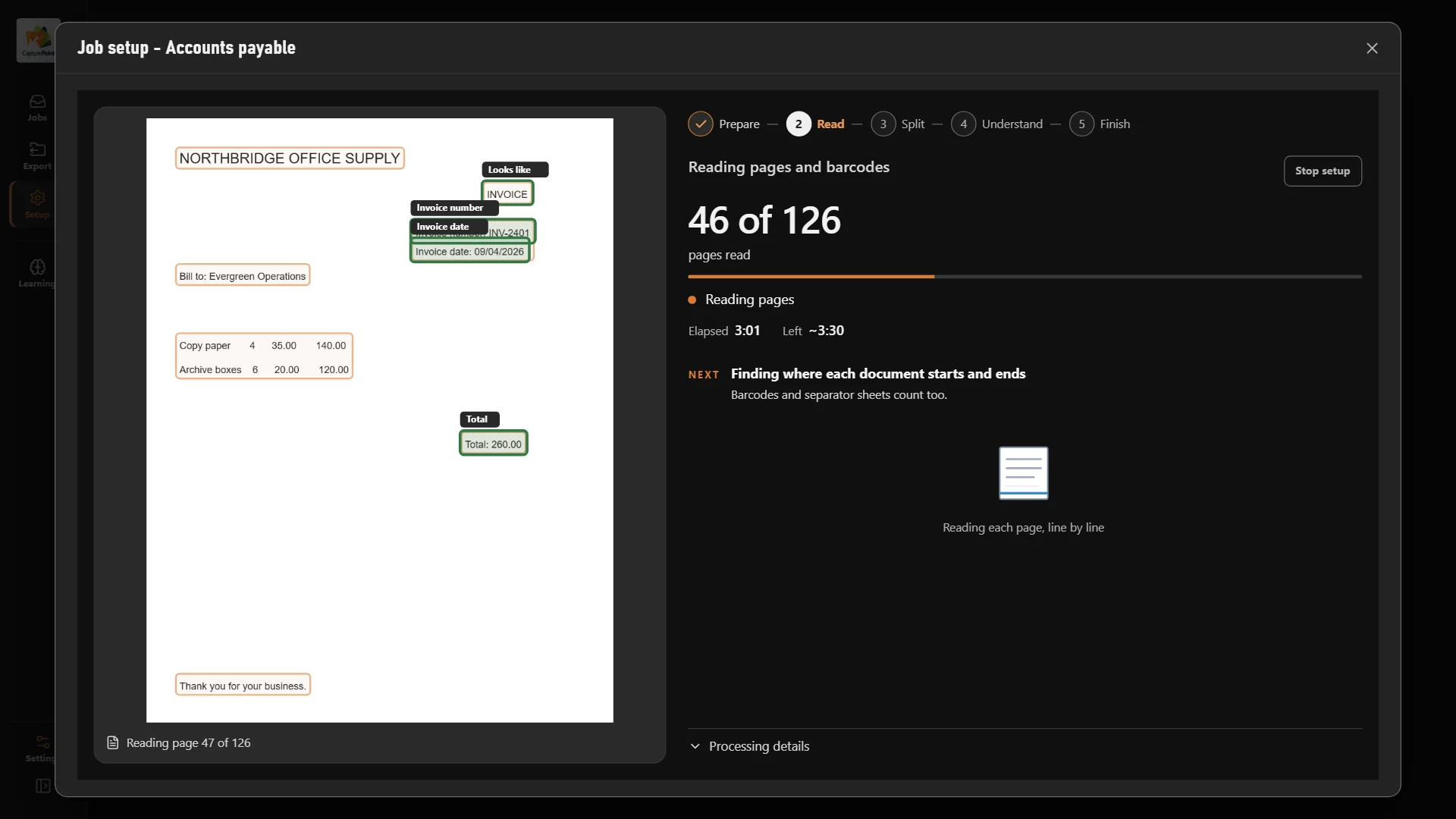
CapturePoint 6 splits a stack of employee paperwork into separate documents, reads and names each one with cutting-edge AI on your own PC, and files it by employee.
Sends it where you work
Every finished document goes out as a searchable PDF with its data, named and filed. Send it to your own folders, Content Central or Nucleus One, or straight into SharePoint, OneDrive, Google Drive, Dropbox and Box.
 SharePoint
 OneDrive
 Google Drive
 Dropbox
 Box
Box

And many more systems through Cortexa Connect. Tell us where your documents need to go.
Content Central
Permissions by role, group and document type keep salary, medical and disciplinary records to the people who need them. Every view is on the record, and Content Central connects to Workday.
Content Central
Set a retention policy for each HR document type and the system applies it to every file. Legal holds stop destruction during a dispute.
Nucleus One
Send forms for new hires to fill out and sign online with Nucleus One, and get them back filed, with apps for iOS and Android.
Yes. Permissions are set by role, group and document type, so a manager can see reviews for their team while salary and medical records stay with HR.
Content Central integrates with Workday and has a REST API for other systems. Nucleus One connects to the other apps you use through Zapier.
Scan them with CapturePoint 6. It splits the stack into separate documents, reads and names each one, and files it by employee in Content Central, Nucleus One, SharePoint, OneDrive, Google Drive, Dropbox, Box or a folder.
Fortune 500 companies and government agencies run on Ademero. Their security, IT and legal teams review us every year and keep renewing.
Free live demo
Book a free demo and we will show you around, answer your questions and run your real paperwork through it. No cost, no pressure.
