Recovery
Disaster recovery
Paper cannot be restored from a backup. Digital records can.
Business continuity
Storms, outages and closed buildings stop paper processes cold. Digital documents and workflows keep going wherever your people are.
The problem
If an approval means walking a folder to someone’s desk, it stops the day nobody can get to the desk.
The records the team needs are in a cabinet nobody can reach.
Invoices and requests wait for a wet signature from someone working from home.
Checks, invoices and applications sit unopened until the office reopens.
CapturePoint 6
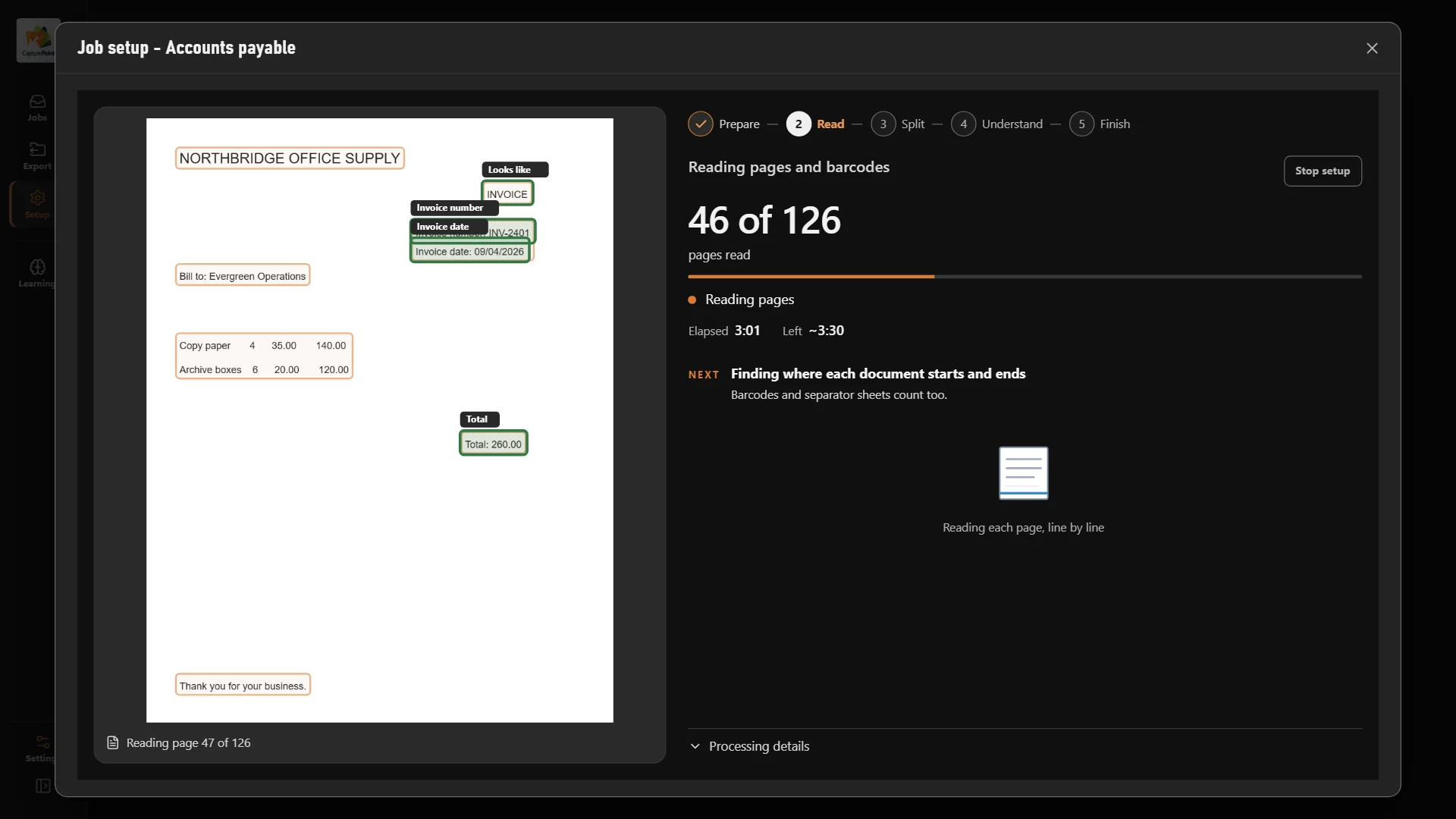
CapturePoint 6 splits, sorts, reads and names every page with cutting-edge AI on your own PC, so the cabinet becomes searchable records and the daily mail becomes files anyone can open.
Sends it where you work
Every finished document goes out as a searchable PDF with its data, named and filed. Send it to your own folders, Content Central or Nucleus One, or straight into SharePoint, OneDrive, Google Drive, Dropbox and Box.
 SharePoint
 OneDrive
 Google Drive
 Dropbox
 Box
Box

And many more systems through Cortexa Connect. Tell us where your documents need to go.
Content Central
Workflows send each document to the next approver and capture sign-off with e-signatures. The process runs the same way whoever is in the office.
Nucleus One
Nucleus One runs on Google Cloud with apps for iOS and Android, so documents, tasks, approvals and signatures are reachable from anywhere.
The records and processes that stop the business when nobody is in the building: incoming mail, invoices and approvals, and the files your team looks up every day.
Either. Content Central runs on your own servers, covered by your backups and recovery plan. Nucleus One runs on Google Cloud, whose infrastructure is SOC 2 and ISO 27001 certified.
CapturePoint 6 sends them to Content Central, Nucleus One, SharePoint, OneDrive, Google Drive, Dropbox, Box or a folder, and more through Cortexa Connect.
Fortune 500 companies and government agencies run on Ademero. Their security, IT and legal teams review us every year and keep renewing.
Free live demo
Book a free demo and we will show you around, answer your questions and run your real paperwork through it. No cost, no pressure.
