AP
AP automation
From the mailroom to the ledger, every step of accounts payable.
Digital mailroom
Invoices to AP, applications to intake, correspondence to the right team. CapturePoint 6 splits, sorts, reads and names the whole stack with AI on your own PC.
The problem
Someone opens every envelope, decides who it is for and walks it there. Then it sits.
Every page read by a person just to decide where it goes.
Mail delivered to the wrong person, or to someone who is out this week.
Once it is delivered on paper, nobody else can find it again.
CapturePoint 6
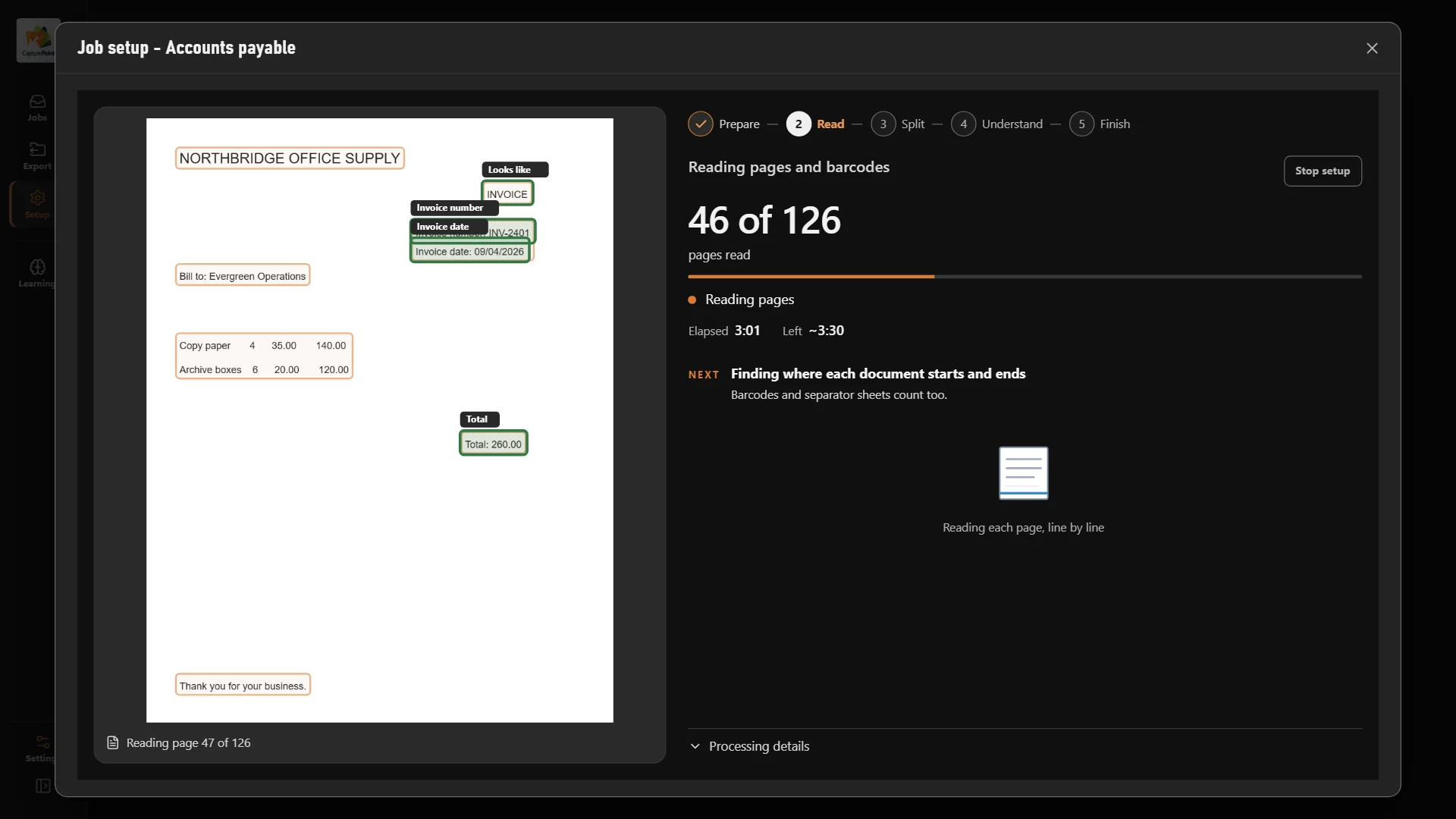
CapturePoint 6 works out every kind of document in your mail by itself, splits the stack, reads the fields and names each file, with cutting-edge AI running on your own PC.
Sends it where you work
Every finished document goes out as a searchable PDF with its data, named and filed. Send it to your own folders, Content Central or Nucleus One, or straight into SharePoint, OneDrive, Google Drive, Dropbox and Box.
 SharePoint
 OneDrive
 Google Drive
 Dropbox
 Box
Box

And many more systems through Cortexa Connect. Tell us where your documents need to go.
Content Central
Scanned mail lands in Content Central filed by type, and workflows put it in front of the right person. Email and watched folders feed the same process.
Paige
Send emailed PDFs and images to Paige and get clean data back, with fields and line items pulled out and delivered by download, SFTP or webhook.
The morning mail
The whole day’s mail goes through the scanner as one stack.
CapturePoint 6 finds where each document ends and works out what it is.
Key fields are read and every file is named the way your team names it.
Each document lands in the right folder, system or work queue.
No. CapturePoint 6 works out your document types and what to read from each one by itself. You confirm what it found and it learns from that.
To SharePoint, OneDrive, Google Drive, Dropbox, Box, folders, Content Central and Nucleus One, and more through Cortexa Connect.
CapturePoint 6 starts a free trial the first time you open it, with no form. Existing CapturePoint customers with active maintenance and support get it included.
Fortune 500 companies and government agencies run on Ademero. Their security, IT and legal teams review us every year and keep renewing.
Free live demo
Book a free demo and we will show you around, answer your questions and run your real paperwork through it. No cost, no pressure.
