Retention
Records retention
Keep every record exactly as long as you must, then let it go.
Energy and utilities
Work orders, inspection reports, easements and utility bills get scanned, read and filed to the right asset or account, with a full record of every change.
Free trial starts the first time you open it. No form.
The problem
Utilities keep paperwork for the life of the asset, and every rate case, inspection and outage review pulls on it.
Work orders, inspection sheets and maintenance logs come back from crews and wait for someone to file them.
Easements, right-of-way agreements and as-built drawings sit in boxes, cabinets and retired systems.
When a regulator or auditor asks for an asset history, staff rebuild it by hand from several departments.
CapturePoint 6
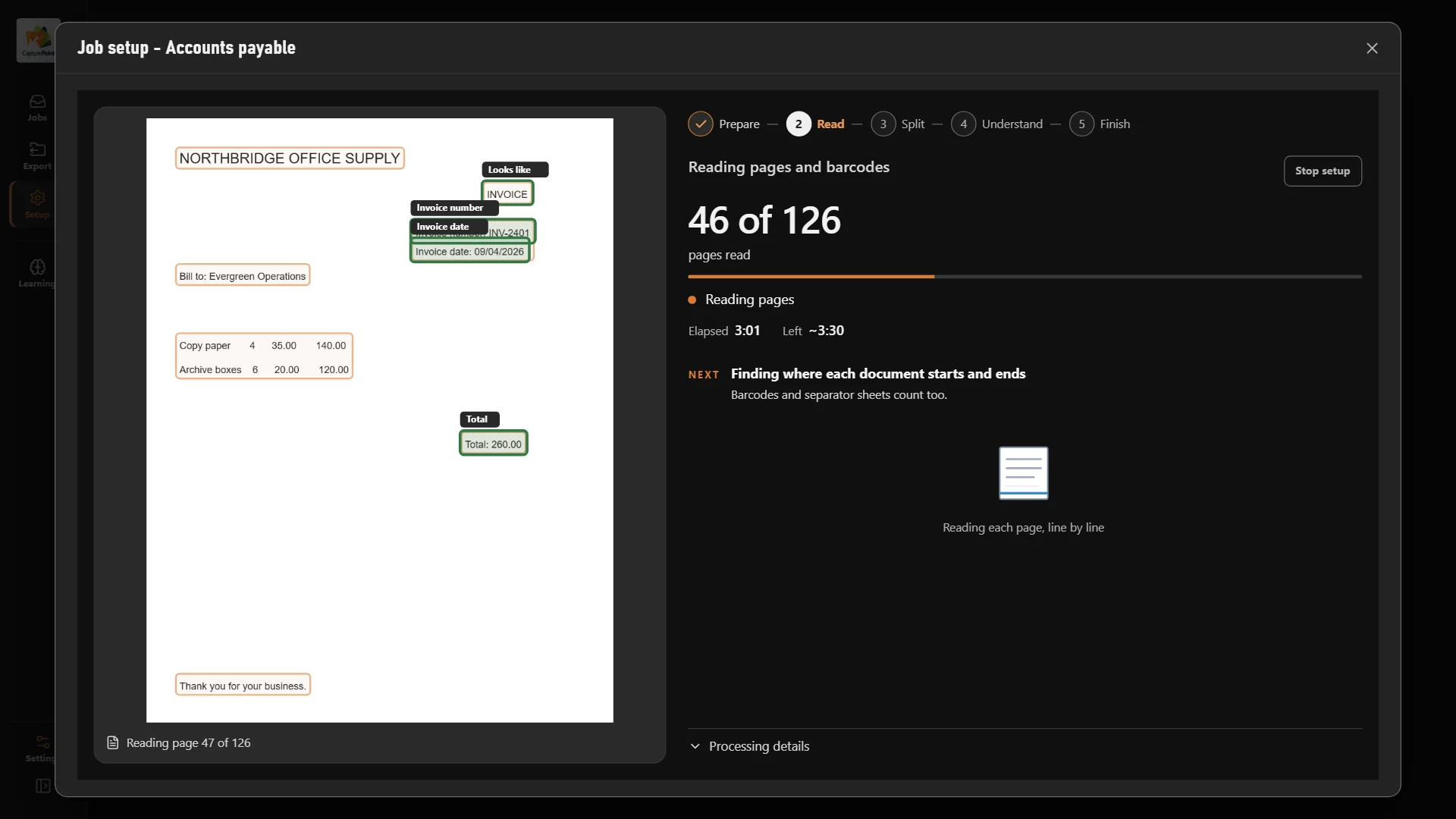
Run boxes of field paper, easements and bills through the scanner. CapturePoint 6 splits the stack into documents, sorts them by type, reads the asset, account or location and names every file. Its AI runs right on your own PC.
Sends it where you work
Every finished document goes out as a searchable PDF with its data, named and filed. Send it to your own folders, Content Central or Nucleus One, or straight into SharePoint, OneDrive, Google Drive, Dropbox and Box.
 SharePoint
 OneDrive
 Google Drive
 Dropbox
 Box
Box

And many more systems through Cortexa Connect. Tell us where your documents need to go.
Content Central
Content Central keeps every record on your own servers, filed by asset, location or account and searchable by any word on the page, so a full history takes seconds instead of days.
Content Central
Retention policies hold each document type for its required period, and legal holds stop anything under review from being destroyed. Every view, change and share lands in the audit trail.
Paige
Send Paige contractor and supplier invoices and get the fields and every line item back, ready for your accounting system. It learns your documents from a few samples.
Retention
Accounts payable
Workflows
Yes. Content Central runs on your own servers, so records never leave your environment, and CapturePoint 6 reads every page on the PC next to your scanner. Users sign in with Active Directory or SAML single sign-on and MFA.
Every view, change and share is recorded in an audit trail with the user and time. Retention policies keep each type of document for its required period, legal holds pause destruction, and version history keeps every revision, so you can show exactly what happened.
Anything you can scan: work orders, inspection and maintenance reports, easements and right-of-way agreements, service applications, utility bills and vendor invoices. It comes with a ready-made utility billing job, and every document you confirm teaches it to handle the next one like it.
CapturePoint 6 sends each finished document as a searchable PDF with its data to Content Central, Nucleus One, your own folders, or SharePoint, OneDrive, Google Drive, Dropbox and Box.
Most utilities start with one backlog or one department, such as engineering records or accounts payable, and expand from there. Download the CapturePoint 6 free trial today, or book a free demo and we will run your own records through it.
Fortune 500 companies and government agencies run on Ademero. Their security, IT and legal teams review us every year and keep renewing.
Free live demo
Book a free demo and we will show you around, answer your questions and run your real paperwork through it. No cost, no pressure.
