Scanning
Insurance scanning and indexing
Claims mail split, read and indexed at the scanner.
Insurance
Claim forms, estimates, reports and policy paperwork are split, read and filed to the right claim or policy number the moment they are scanned, so adjusters spend their day on the claim, not the paper.
Free trial starts the first time you open it. No form.
The problem
Agencies and carriers get paper from policyholders, shops, doctors and other carriers, and every page has to reach the right file.
Claim forms, repair estimates and medical bills arrive mixed together and wait for someone to sort them.
An adjuster opens a claim and a report is missing, filed somewhere else or still sitting in a tray.
Applications, endorsements and renewals live in different places, so answering one question means checking three.
CapturePoint 6
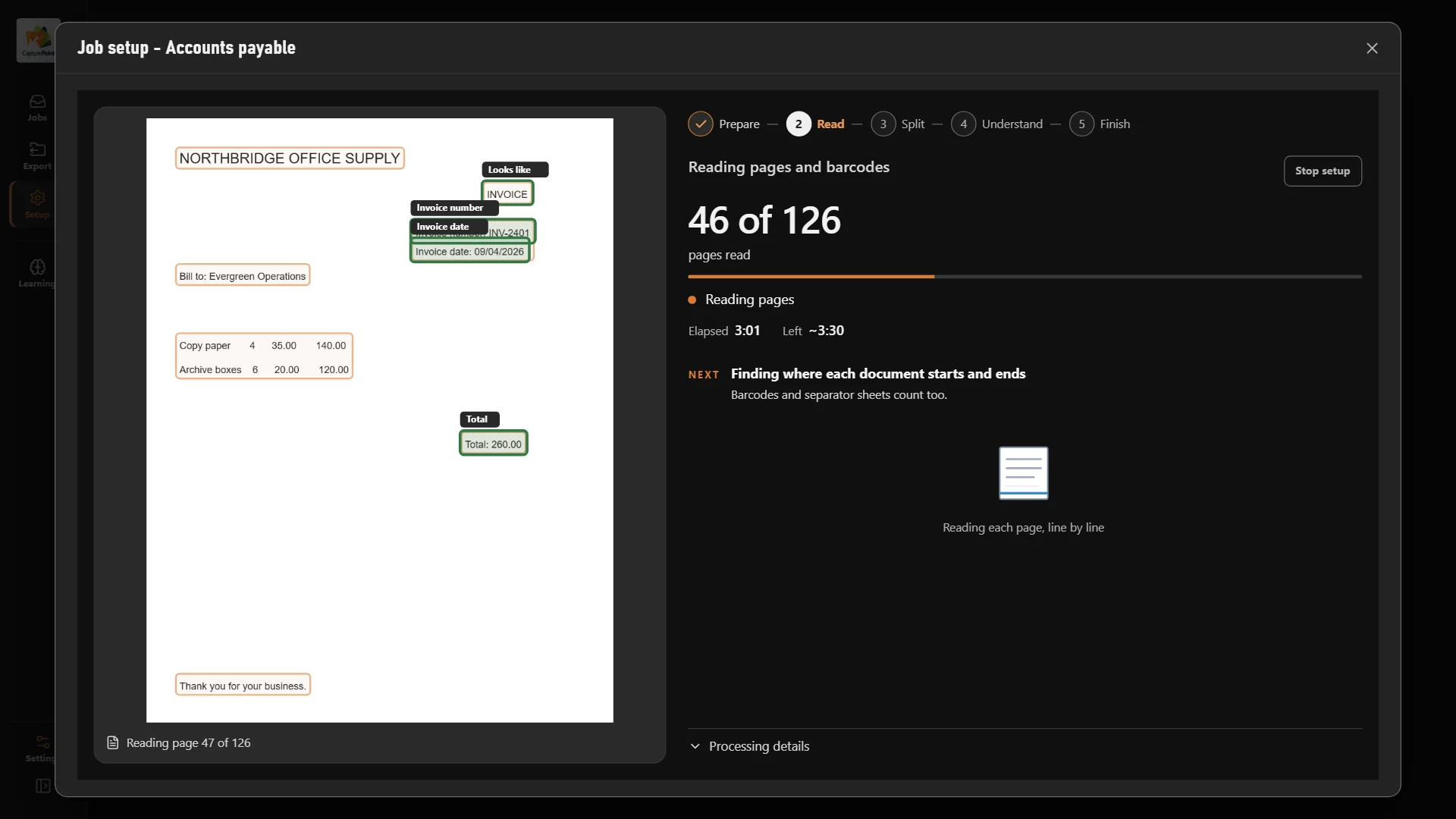
Drop the morning mail in the scanner. CapturePoint 6 splits the stack into documents, works out which is the claim form, the estimate and the report, reads the claim and policy numbers and names every file. Its AI runs on your own PC, so policyholder data stays with you.
Sends it where you work
Every finished document goes out as a searchable PDF with its data, named and filed. Send it to your own folders, Content Central or Nucleus One, or straight into SharePoint, OneDrive, Google Drive, Dropbox and Box.
 SharePoint
 OneDrive
 Google Drive
 Dropbox
 Box
Box

And many more systems through Cortexa Connect. Tell us where your documents need to go.
Content Central
Content Central files every document to its claim and policy on your own servers. Open a claim and see every page that belongs to it, or search any name, number or word across every file.
Content Central
Workflow rules send each new claim document to the right adjuster or queue and move approvals along. E-signatures close out the paperwork, and every step is recorded in the audit trail.
Paige
Send Paige repair invoices and vendor bills and get the fields and every line item back as clean data. It learns your documents from a few samples.
Scanning
Carriers
Compliance
Workflow
Anything you scan: claim forms, repair estimates, police reports, medical bills, correspondence, applications and endorsements. It comes with sample jobs for insurance and claims, and it learns your own forms from the documents you confirm.
CapturePoint 6 sends each document as a searchable PDF with its data to Content Central, Nucleus One, your own folders, or SharePoint, OneDrive, Google Drive, Dropbox and Box. It also writes a data file with every value it read, so your claims system can pick it up.
Yes. Content Central runs on your own servers, so documents never leave your environment. Permissions limit each file to the people who need it, users sign in with Active Directory or SAML single sign-on and MFA, and the audit trail records every view, change and share.
Download the CapturePoint 6 free trial and scan your first batch of mail today. For Content Central, book a free demo and we will walk through your claim and policy files and quote it for you.
Fortune 500 companies and government agencies run on Ademero. Their security, IT and legal teams review us every year and keep renewing.
Free live demo
Book a free demo and we will show you around, answer your questions and run your real paperwork through it. No cost, no pressure.
