Going paperless
The paperless office
Empty the filing cabinets and keep everything findable.
Real estate
Listings, contracts, disclosures and closing packets get scanned, named and filed to the right deal. Sign the rest online and find any file in seconds.
Free trial starts the first time you open it. No form.
The problem
Brokerages, agents and property managers all juggle signed paperwork that has to be complete when the broker, the lender or the auditor asks.
Contracts, addenda and disclosures come back on paper and someone has to file every page.
A missing disclosure or an old copy of the contract holds up broker review and closing.
Names, dates and amounts get keyed into one system after another.
CapturePoint 6
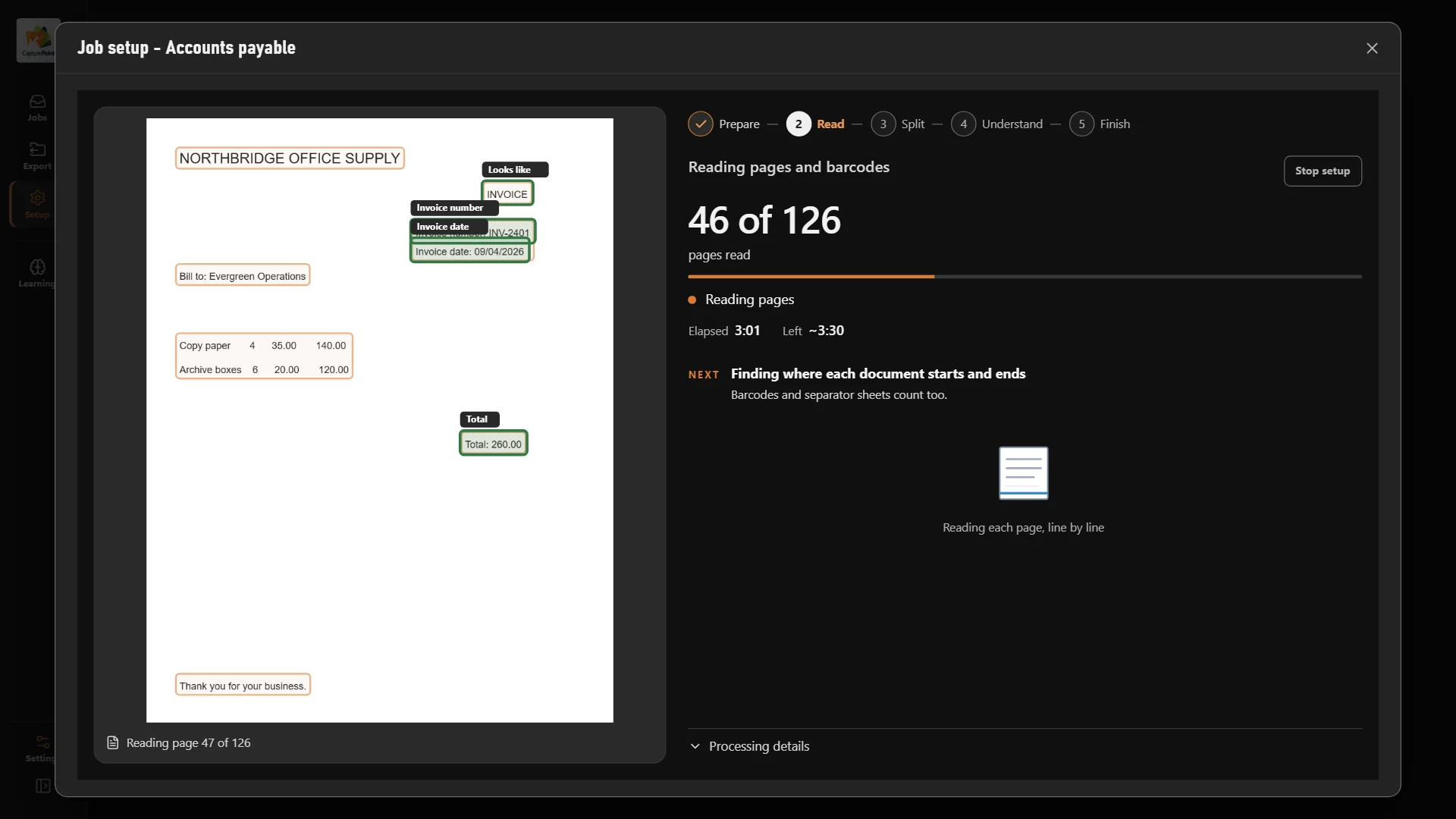
Scan signed contracts, disclosures and closing packets on your Windows PC. CapturePoint 6 splits the stack, works out what each document is, reads it and names it. Its AI runs on that PC, so client files stay in the office.
Sends it where you work
Every finished document goes out as a searchable PDF with its data, named and filed. Send it to your own folders, Content Central or Nucleus One, or straight into SharePoint, OneDrive, Google Drive, Dropbox and Box.
 SharePoint
 OneDrive
 Google Drive
 Dropbox
 Box
Box

And many more systems through Cortexa Connect. Tell us where your documents need to go.
Content Central
Content Central keeps transaction, lease and property files on your own servers, organized by property, client or tenant and searchable by any word on the page.
Nucleus One
Nucleus One sends documents for e-signature and approval, shares files with buyers, sellers and tenants through secure client portals, and collects forms online. It runs on Google Cloud.
Paige
Send Paige your documents and get names, dates and amounts back as clean data, ready for the system that needs them. It learns from a few samples.
Yes. Nucleus One has built-in e-signatures and iOS and Android apps, and Content Central includes e-signatures too. Signed copies are kept in the deal file with every step on the audit trail.
Yes. Nucleus One client portals let them upload and download files securely, without email attachments.
Your choice. Content Central runs on your own servers. Nucleus One runs on Google Cloud, with nothing to install, and you can start free.
Download the CapturePoint 6 free trial and scan your first closing packet today, or start Nucleus One free. For a brokerage-wide system, book a free demo.
Fortune 500 companies and government agencies run on Ademero. Their security, IT and legal teams review us every year and keep renewing.
Free live demo
Book a free demo and we will show you around, answer your questions and run your real paperwork through it. No cost, no pressure.
