Accounts payable
Invoice processing
Supplier invoices read, filed and routed for approval on their own.
Construction
Delivery tickets, lien waivers, change orders and subcontractor invoices get scanned, named and filed to the right job, so the office and the field work from the same paperwork.
Free trial starts the first time you open it. No form.
The problem
Every project buries the office in paperwork that has to reach the right job, the right revision and the right approver.
Delivery tickets, daily reports, inspection sign-offs and lien waivers ride back in trucks and wait to be filed.
When an old drawing or spec is still in circulation, the fix is rework, delays and an unhappy owner.
Change orders, waivers, warranties and submittals get chased by email until somebody finds the last one.
CapturePoint 6
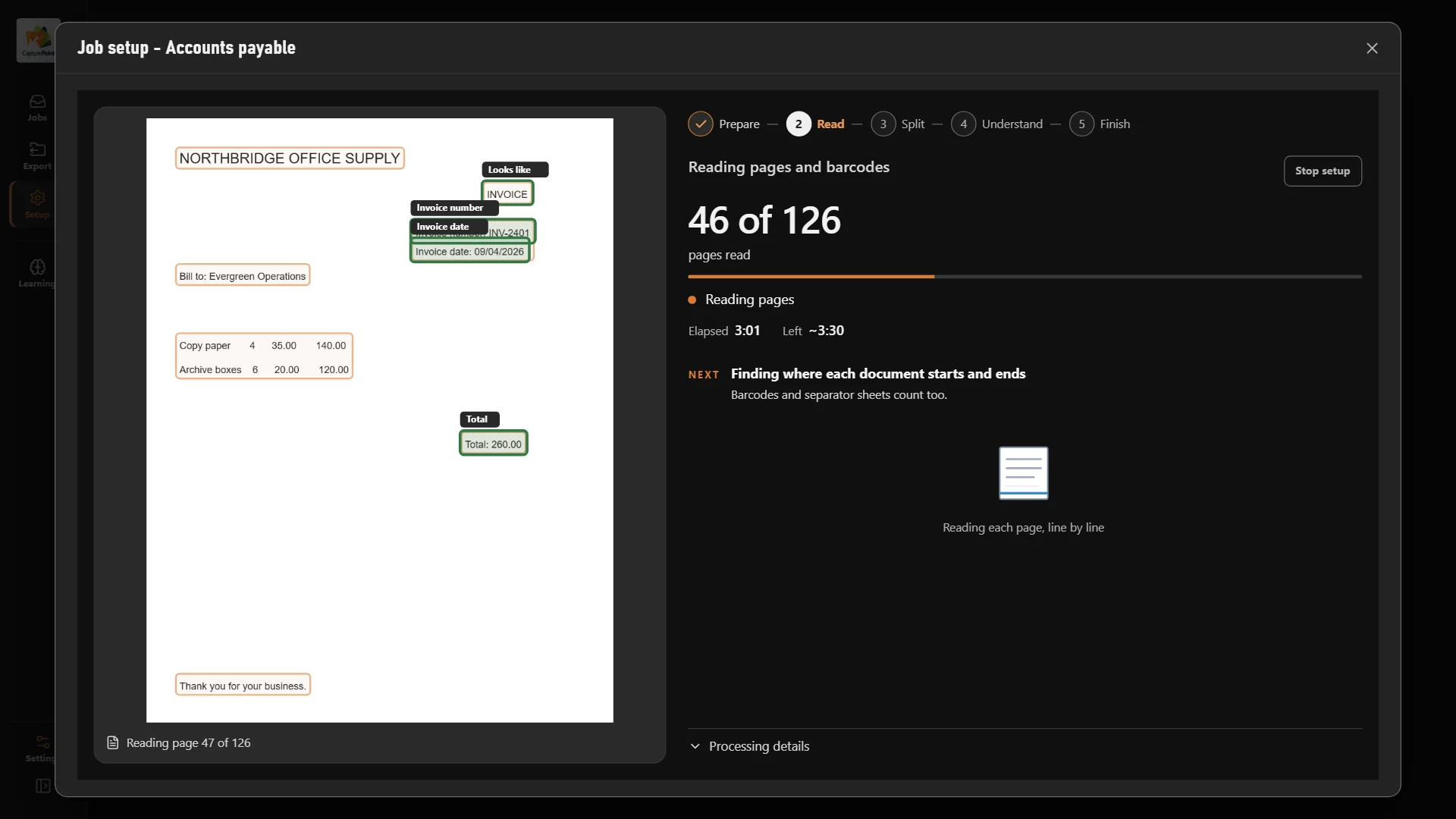
Feed a mixed stack through the scanner. CapturePoint 6 splits it into documents, sorts tickets, waivers and invoices by type, reads the job, vendor and amount and names every file. Its AI runs right on your own PC.
Sends it where you work
Every finished document goes out as a searchable PDF with its data, named and filed. Send it to your own folders, Content Central or Nucleus One, or straight into SharePoint, OneDrive, Google Drive, Dropbox and Box.
 SharePoint
 OneDrive
 Google Drive
 Dropbox
 Box
Box

And many more systems through Cortexa Connect. Tell us where your documents need to go.
Content Central
Content Central files every drawing, spec, permit and contract by job. Check a document out to revise it and back in when done; every earlier revision stays in version history, so nobody builds from an old copy.
Content Central
Route change orders, pay applications and lien waivers to the right project manager for approval and signature, with a full record of who approved what and when.
Paige
Send Paige supplier and subcontractor invoices and get the vendor, totals and every line item back, ready for job costing in your accounting system.
Accounts payable
Contracts
Workflows
Yes. Content Central is reachable from any browser your team is allowed to use, with permissions by job. If you want everything in the cloud, Nucleus One runs on Google Cloud, has iOS and Android apps and client portals for sharing files with owners and subcontractors.
Anything you can scan: delivery tickets, daily reports, inspection sign-offs, lien waivers, change orders, pay applications, permits and supplier invoices. Every document you confirm teaches it to handle the next one like it.
CapturePoint 6 sends each finished document as a searchable PDF with its data to Content Central, Nucleus One, your own folders, or SharePoint, OneDrive, Google Drive, Dropbox and Box.
Content Central integrates with QuickBooks, Sage 50, Sage X3, Workday and Epicor, and has a REST API for everything else. Paige delivers invoice data by download, SFTP or webhook.
Download the CapturePoint 6 free trial and scan your first stack today. For Content Central, book a free demo and we will walk through your jobs, revisions and approvals and quote it for your company.
Fortune 500 companies and government agencies run on Ademero. Their security, IT and legal teams review us every year and keep renewing.
Free live demo
Book a free demo and we will show you around, answer your questions and run your real paperwork through it. No cost, no pressure.
