Onboarding
HR onboarding
New-hire paperwork done before day one.
Electronic forms
Send a form, get it back completed and signed, and watch it move to the next person and land in the right folder. From a laptop or a phone.
Start free. No card needed. Get pricing
The problem
Someone fills it out by hand, then someone else types it all in again.
Handwriting nobody can read and blanks nobody noticed until the form was filed.
Every answer keyed into another system, one field at a time.
The form waits in an inbox until whoever approves it gets around to it.
Nucleus One
Nucleus One forms collect answers online and capture e-signatures. Client portals give customers a place to fill out and sign, and workflows send each completed form to the next person.
Paige
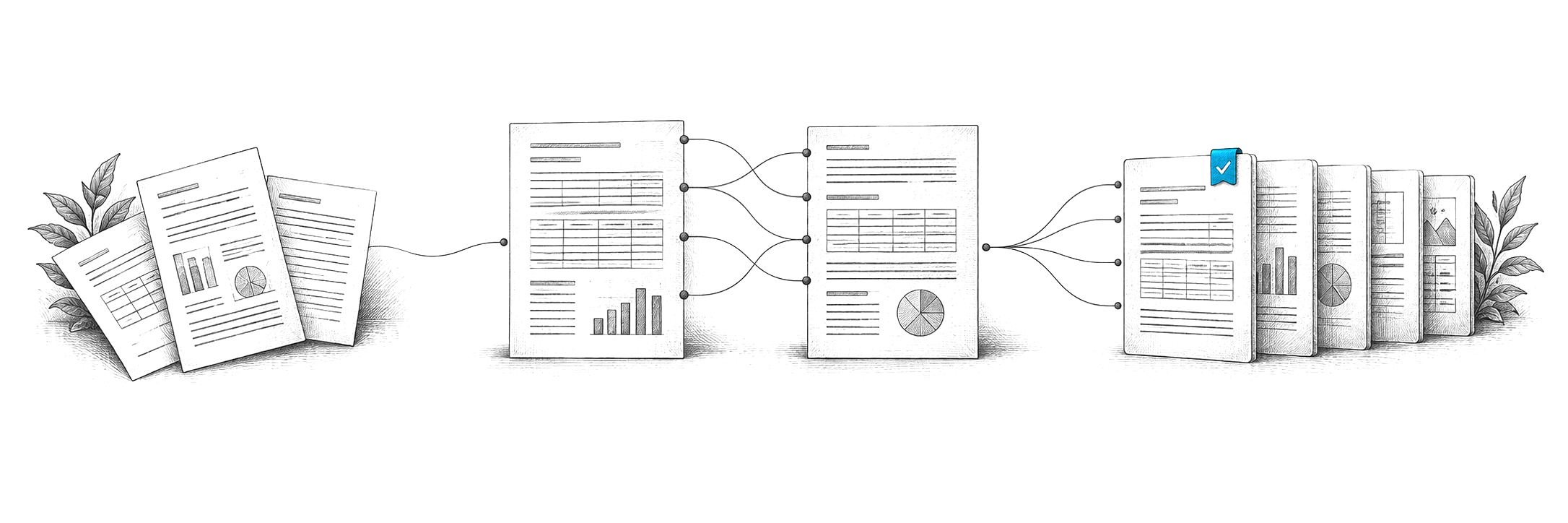
Send scanned or emailed forms to Paige and get clean data back. It learns your forms from a few samples, pulls the fields you need and delivers them by download, SFTP or webhook.
Content Central
Content Central captures forms from scanners, email and watched folders, sends each one through its approval steps with e-signatures, and files it with the right permissions and retention.
Yes. Nucleus One forms and e-signatures work in the browser and in the iOS and Android apps.
Workflows send it to the next person for review or approval, and the completed form is filed with its signatures and history.
Pricing depends on what you need: scanning stations for CapturePoint 6, users for Content Central and Nucleus One, document volume for Paige, and your servers for Cortexa. Tell us about your setup on the pricing page and we will send pricing that fits, or book a free live demo and we will walk you through it.
Fortune 500 companies and government agencies run on Ademero. Their security, IT and legal teams review us every year and keep renewing.
Free live demo
Book a free demo and we will show you around, answer your questions and run your real paperwork through it. No cost, no pressure.
